SMOKE
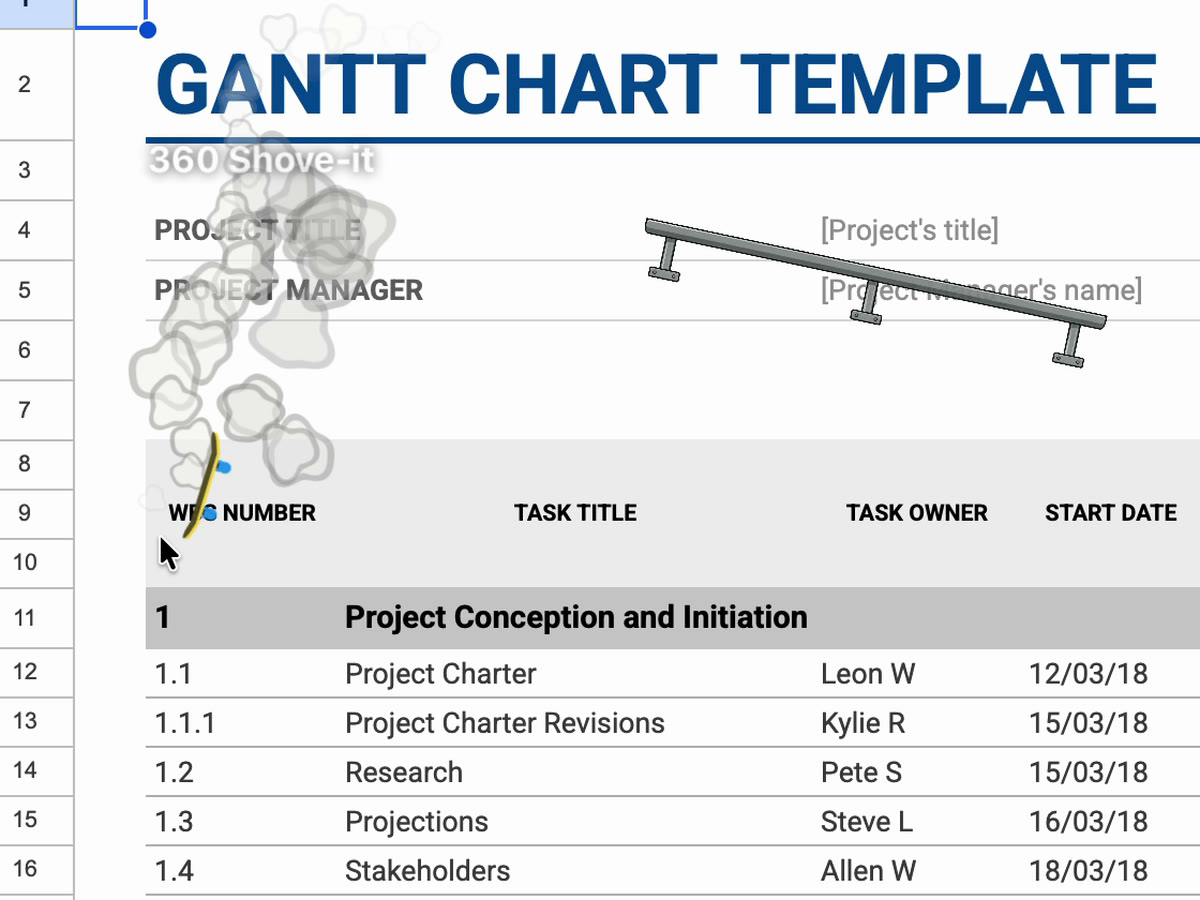
Exhaust behind the cursor
Emitted by distance travelled, so the trail looks the same at 60 and 120 Hz. Slow deliberate movement stays completely clean.
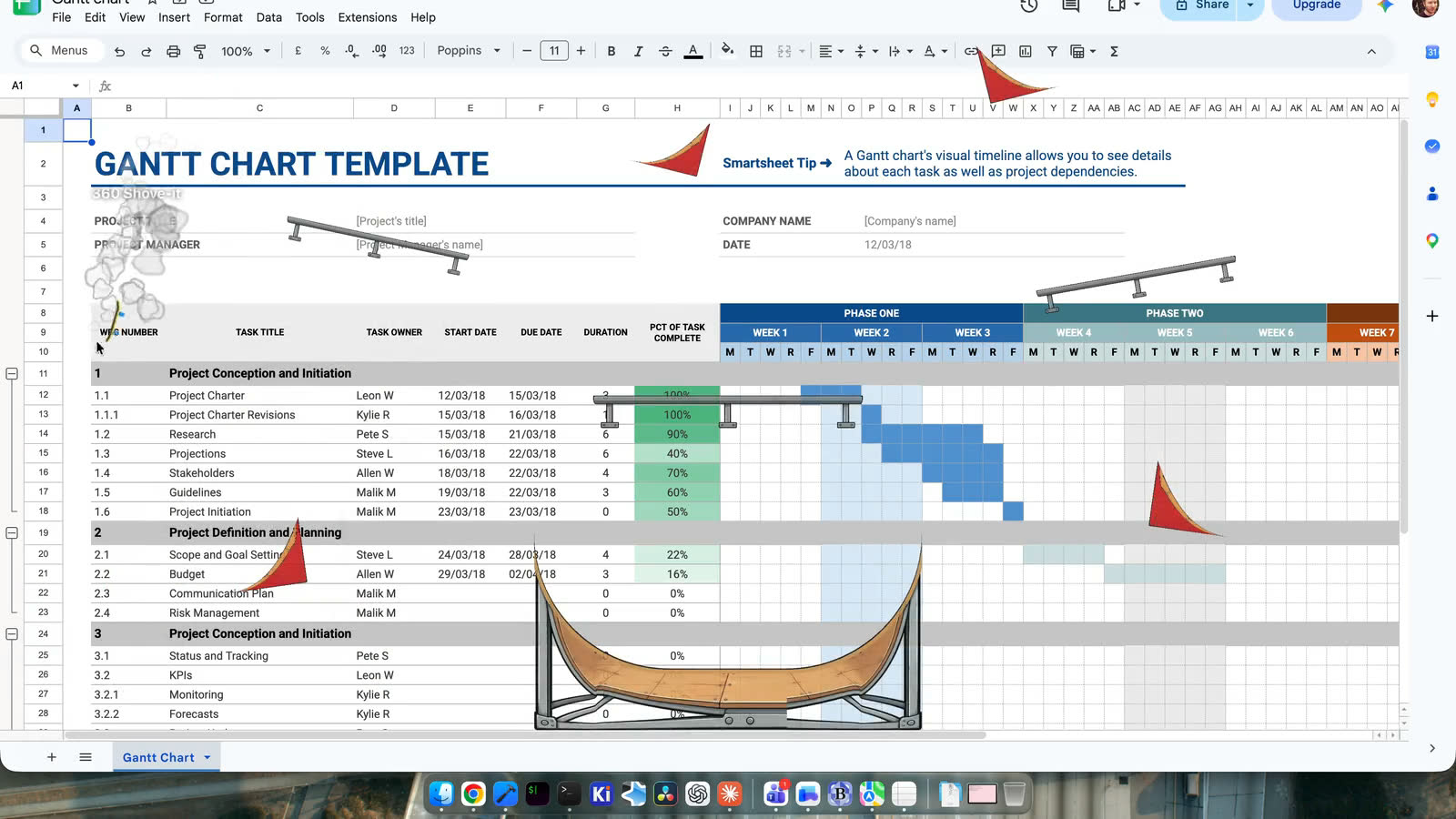
A skatepark that lives above your windows. Exhaust smoke behind your cursor, and a skateboard that launches off ramps, grinds rails, and stays wherever it lands until you go and collect it.
Download on the Mac App Store MACOS 14+ · NO PERMISSIONS
SMOKE
Emitted by distance travelled, so the trail looks the same at 60 and 120 Hz. Slow deliberate movement stays completely clean.
RAMPS
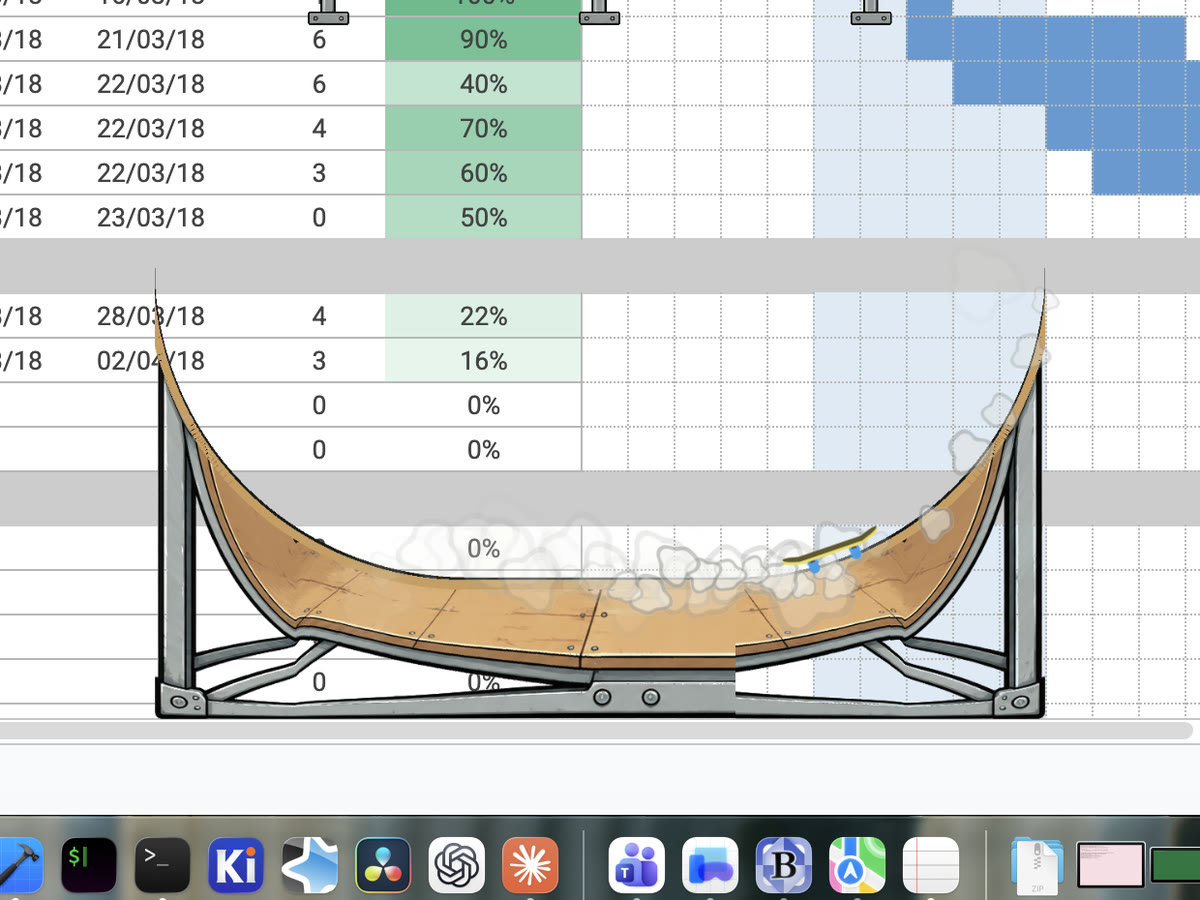
Cross the lip with enough speed and roughly the right heading and the board leaves on its own, exit direction taken from the lip tangent.
RAILS
Which is what makes ramp → air → grind → pop chain on its own. A landing from a wide angle grinds slowly rather than at full pace.
HALFPIPES
Parametrised by arc length with gravity resolved onto the local tangent, so all three are one equation. A line runs for a few airs, then settles.
SWING AIRS
Reverse the cursor at the top of a swing and the board pops off and tricks. The halfpipe is wherever you happen to be drawing it.
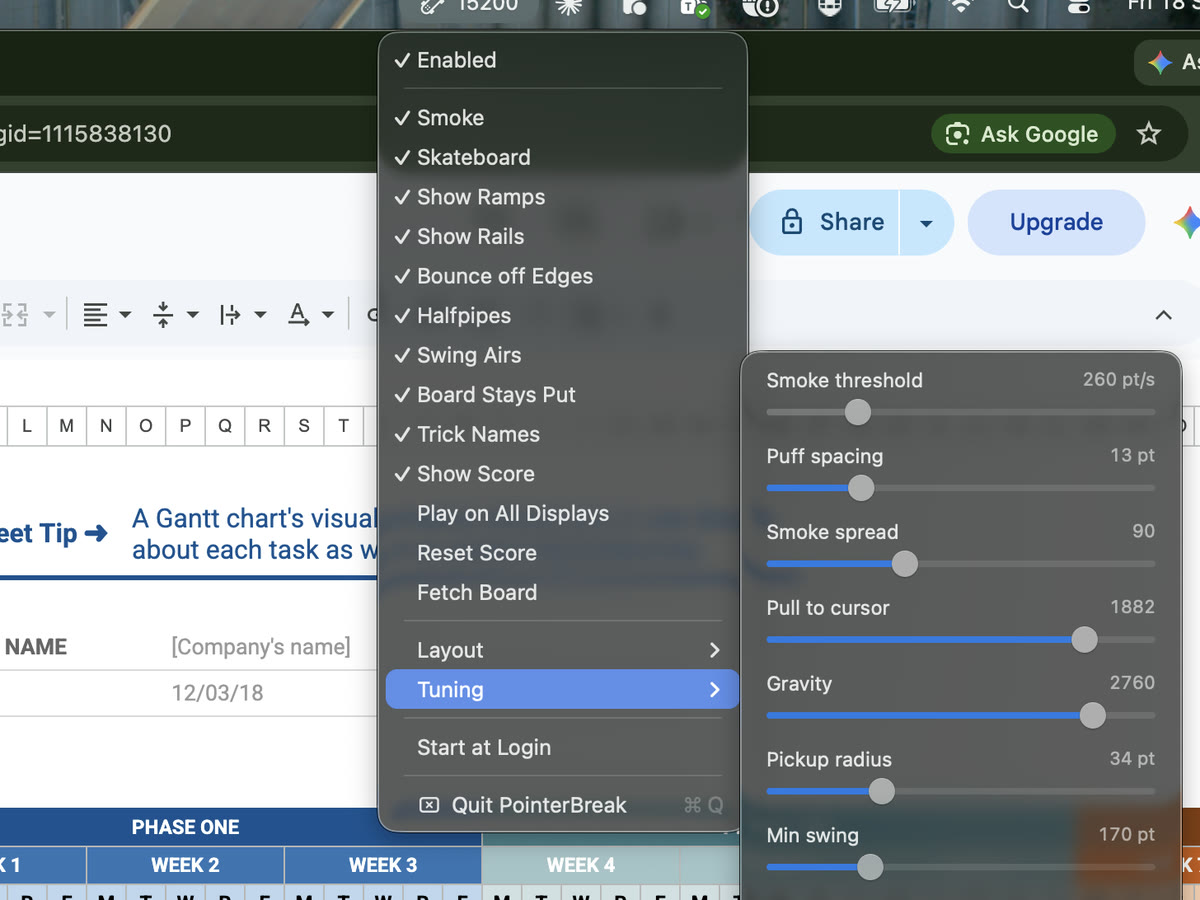
The download is free and stays free: the board, the smoke, the tricks and the default layout, with no time limit and no nagging. A single payment of £4.99 unlocks the layout editor and the score — once, not a subscription. The App Store shows the price in your own currency.
Quit from the menu bar item, or pkill -x PointerBreak.
The walls are the edges of your displays, so a board bounces off the gaps between them rather than resting somewhere nothing draws. Two displays that meet only at a corner are not joined.
The WindowServer composites it above every window, so the board sits under the arrow. Hiding the system cursor would pull in the Accessibility permission.
The login window, Fast User Switching and secure input fields. Expected, and not fixable.
A mixed tick in the menu means macOS is waiting on you; clicking it opens System Settings.